

What you have read, what you have seen, where you have been, and what you have finished.
No to-do list — only what has already happened
This is not a to-do list, and it is not a diary. Something happens, or gets finished, and then you write it down.
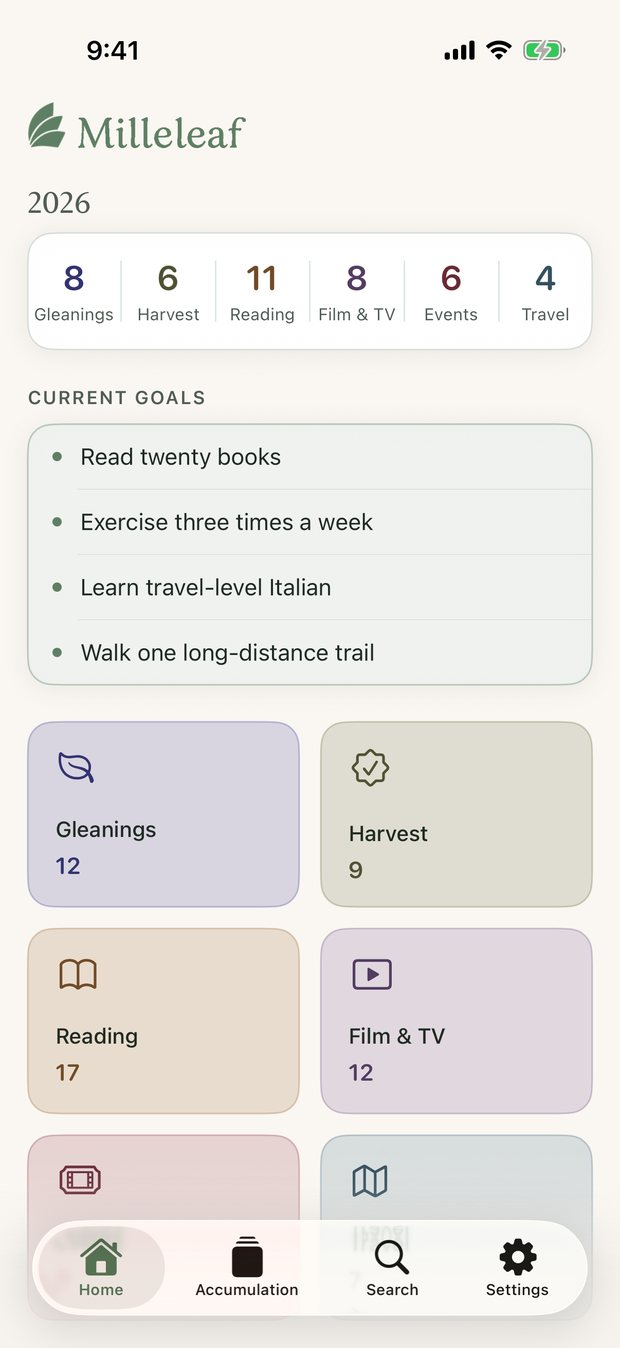
Six kinds of record
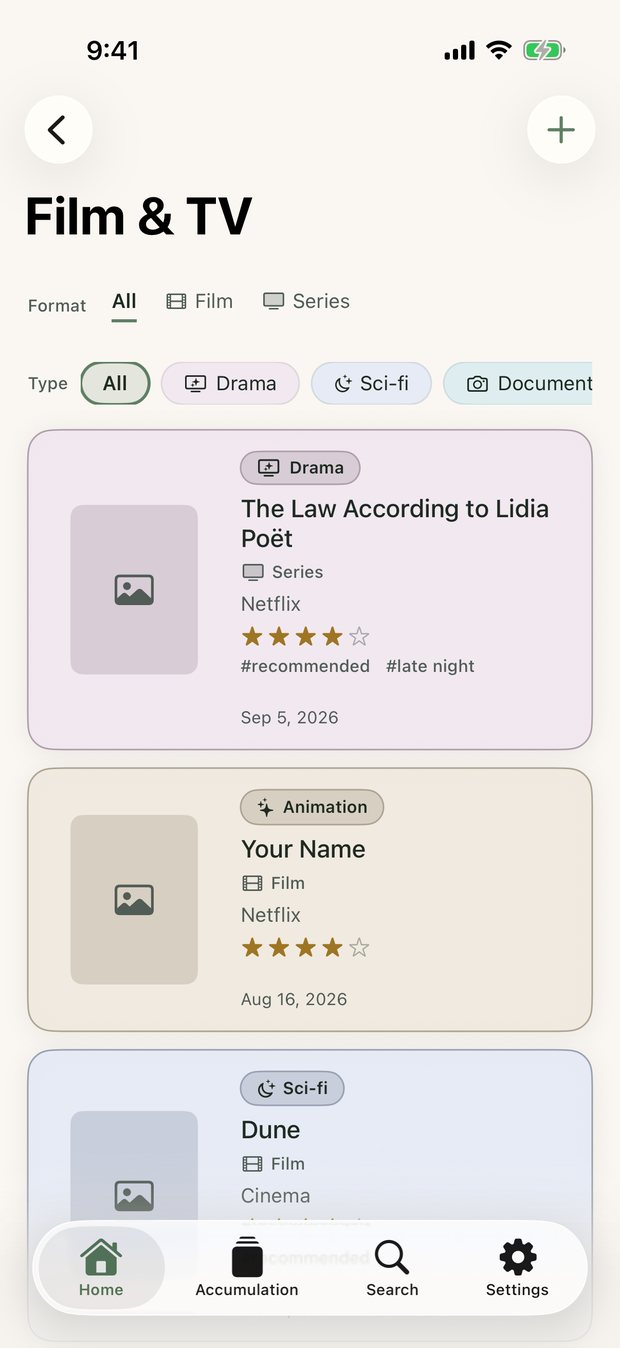
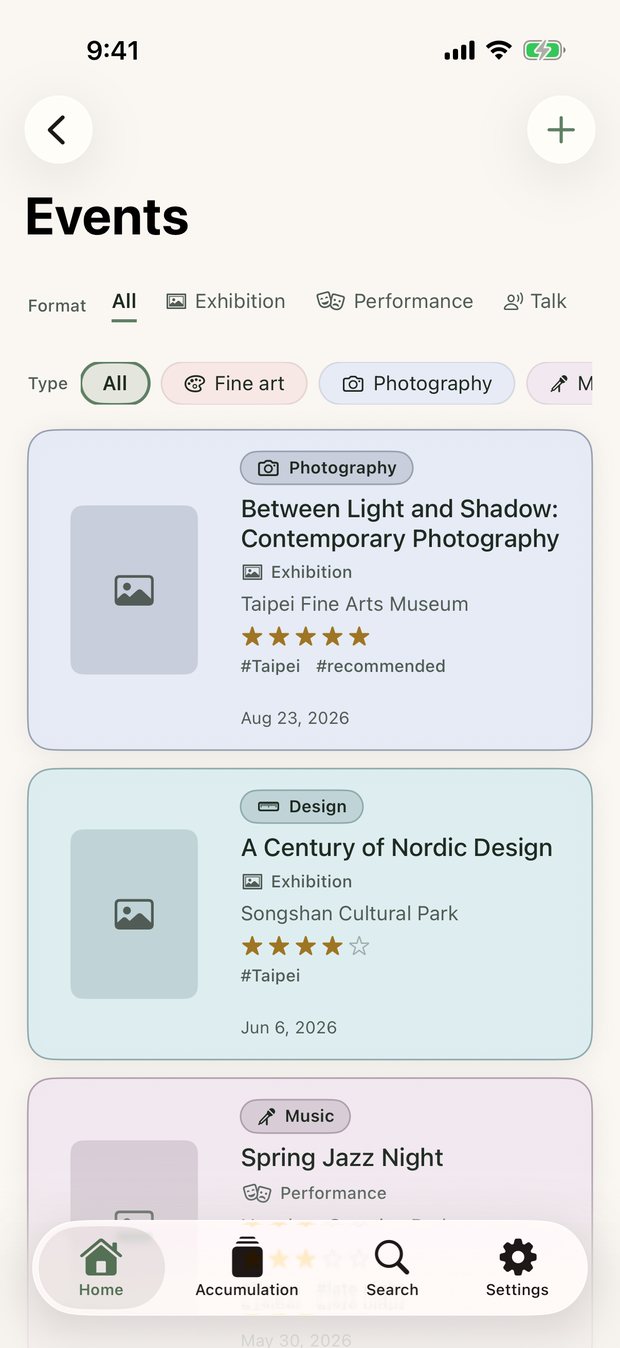
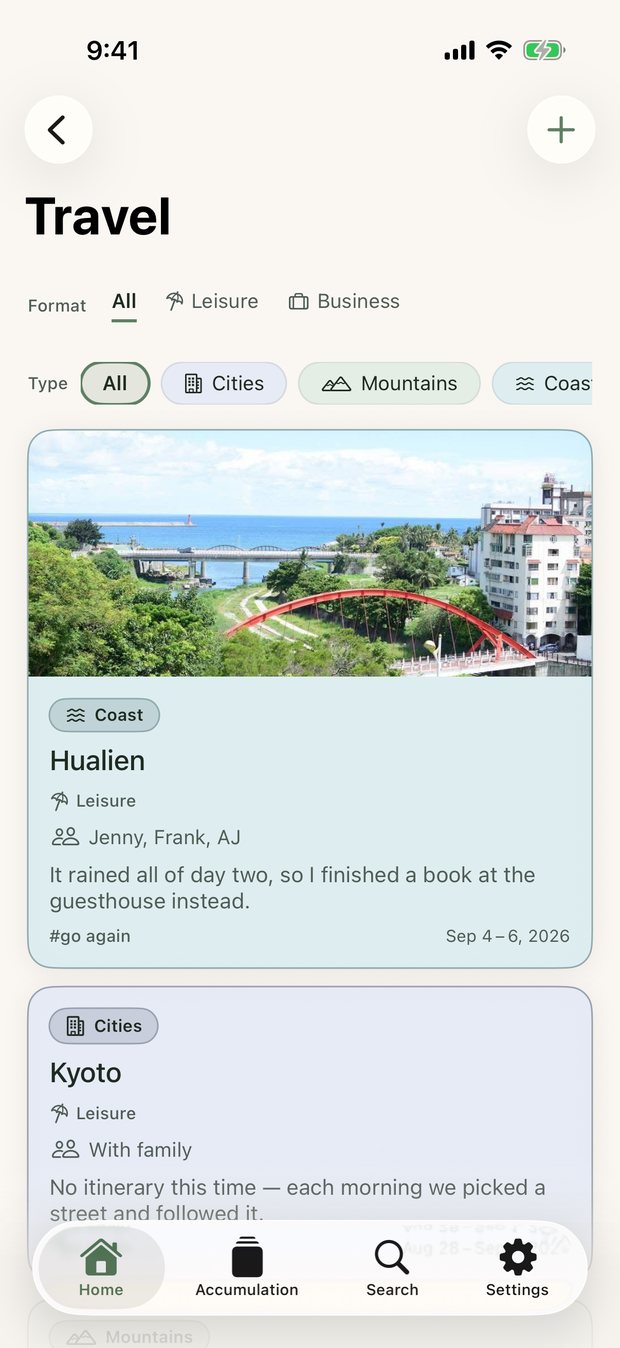
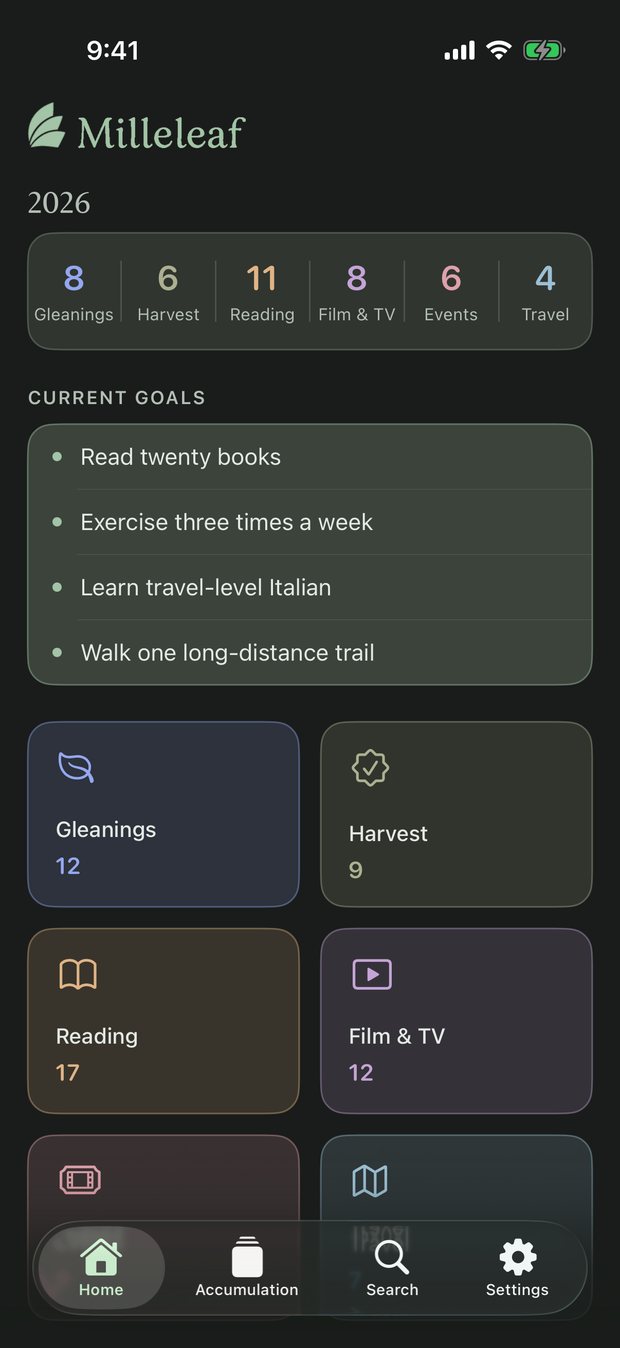
Reading, Film & TV, Events and Travel each have a place of their own. Gleanings holds what struck you and the ideas you came across; Harvest keeps what you got done, at work, in study, or in life.
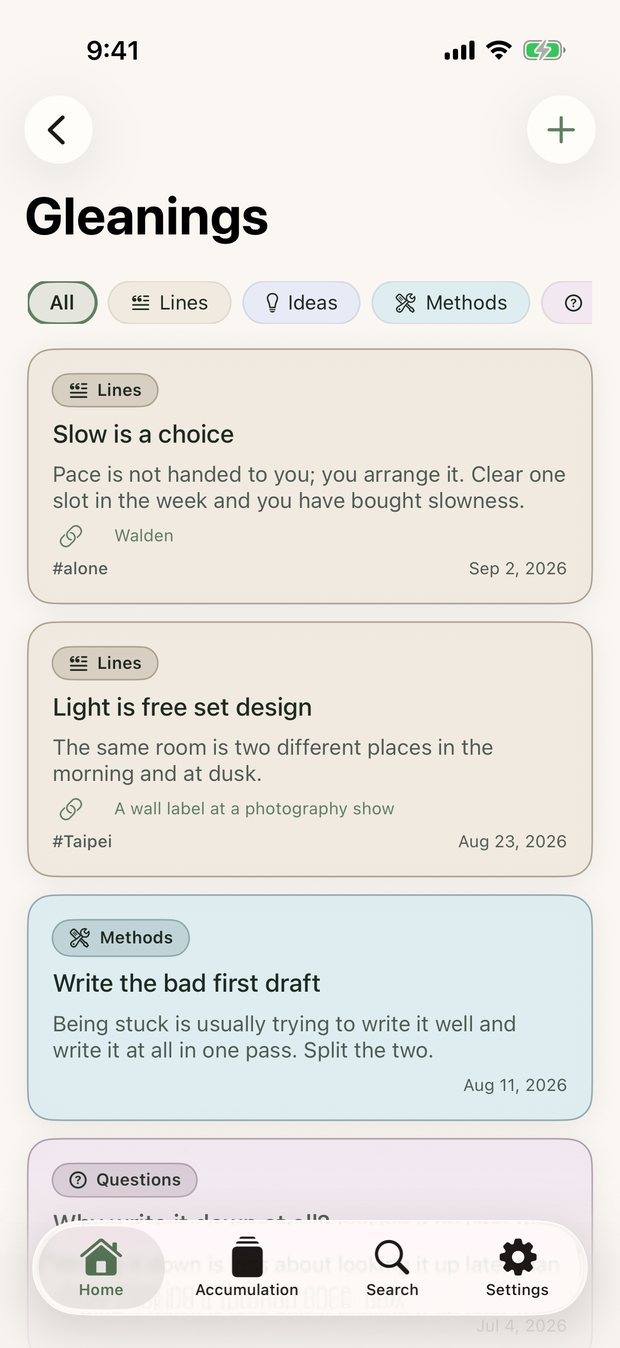
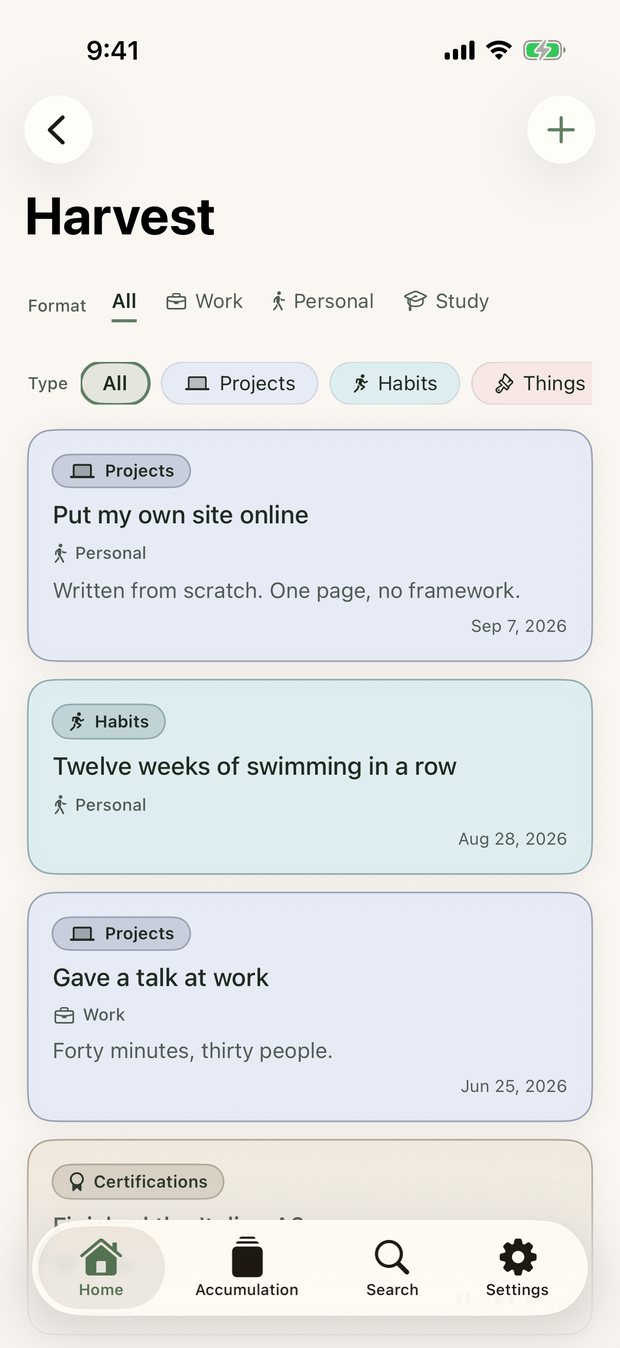
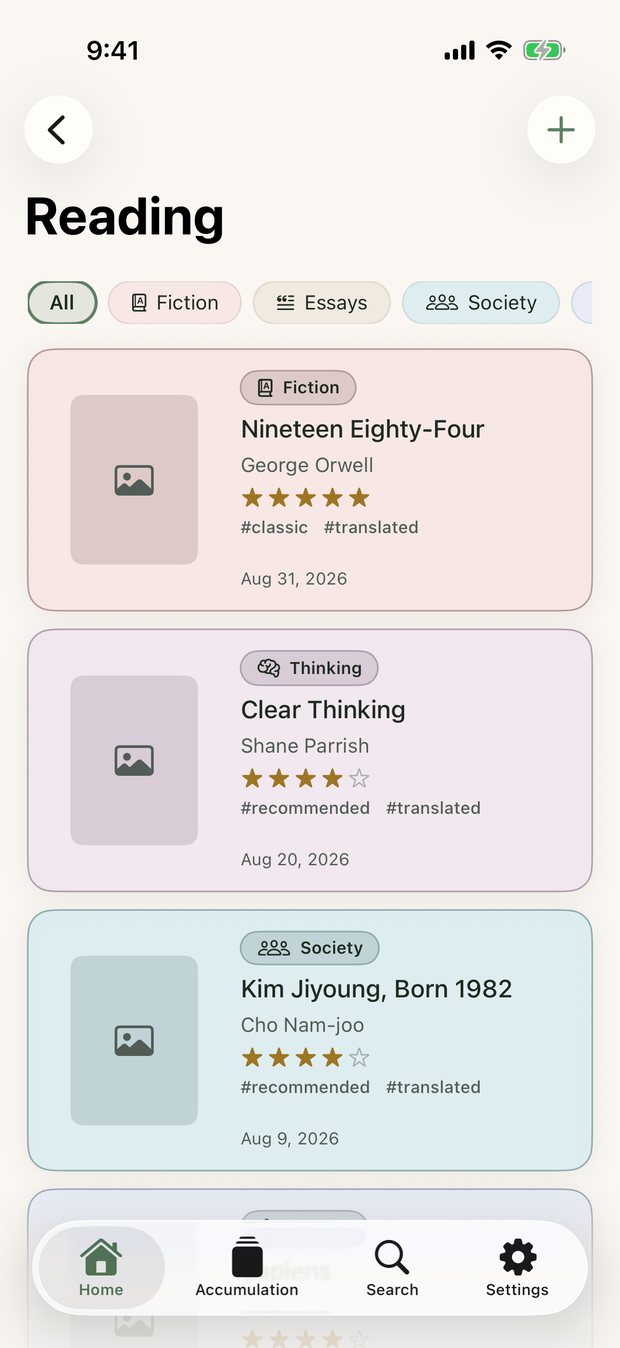
Organize it your way
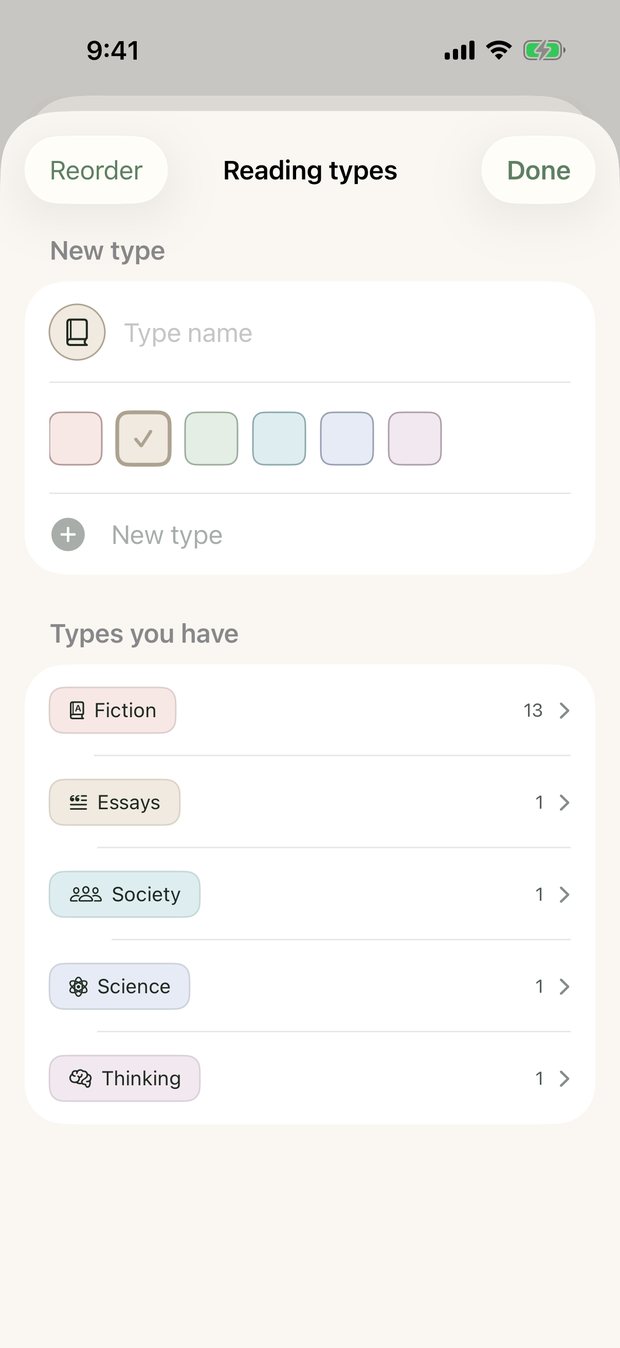
A type is the main way things are sorted; tags leave more to go on later. Each record takes one type and any number of tags, and one set of tags is shared across all six categories.
Keep what matters to you
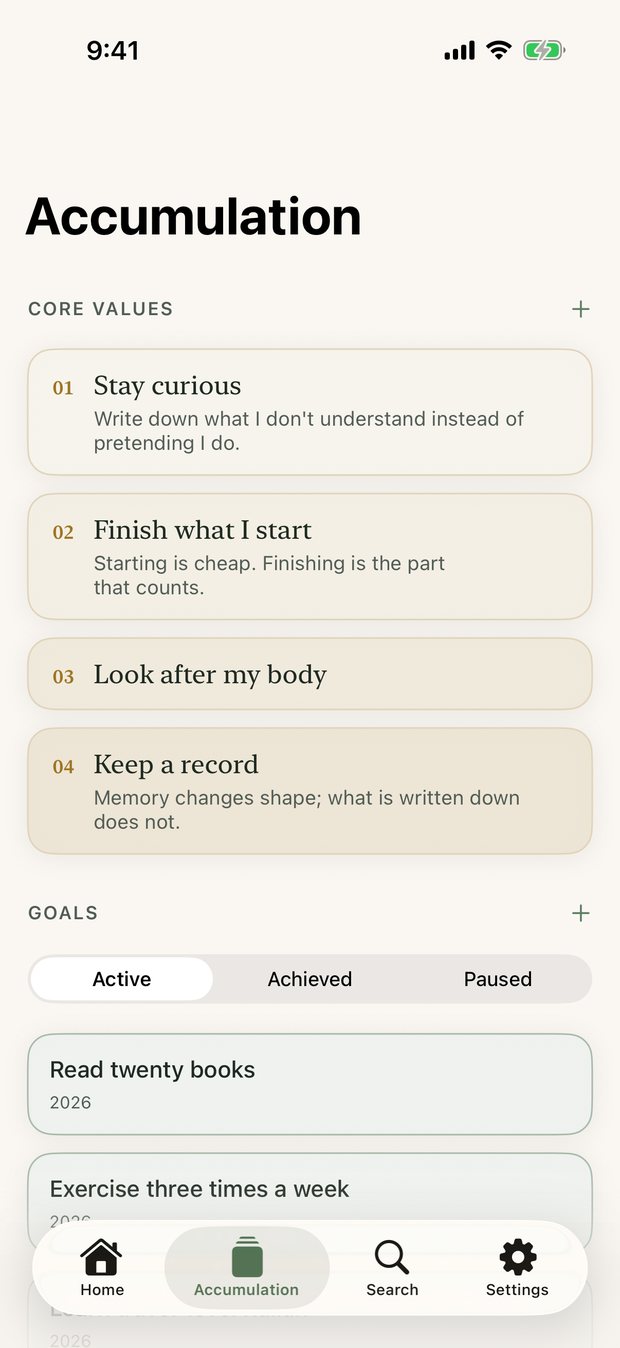
Accumulation holds your core values and the goals you set for the year, and looks back over what you have kept. The count for each year is worked out for you.
Your records stay with you
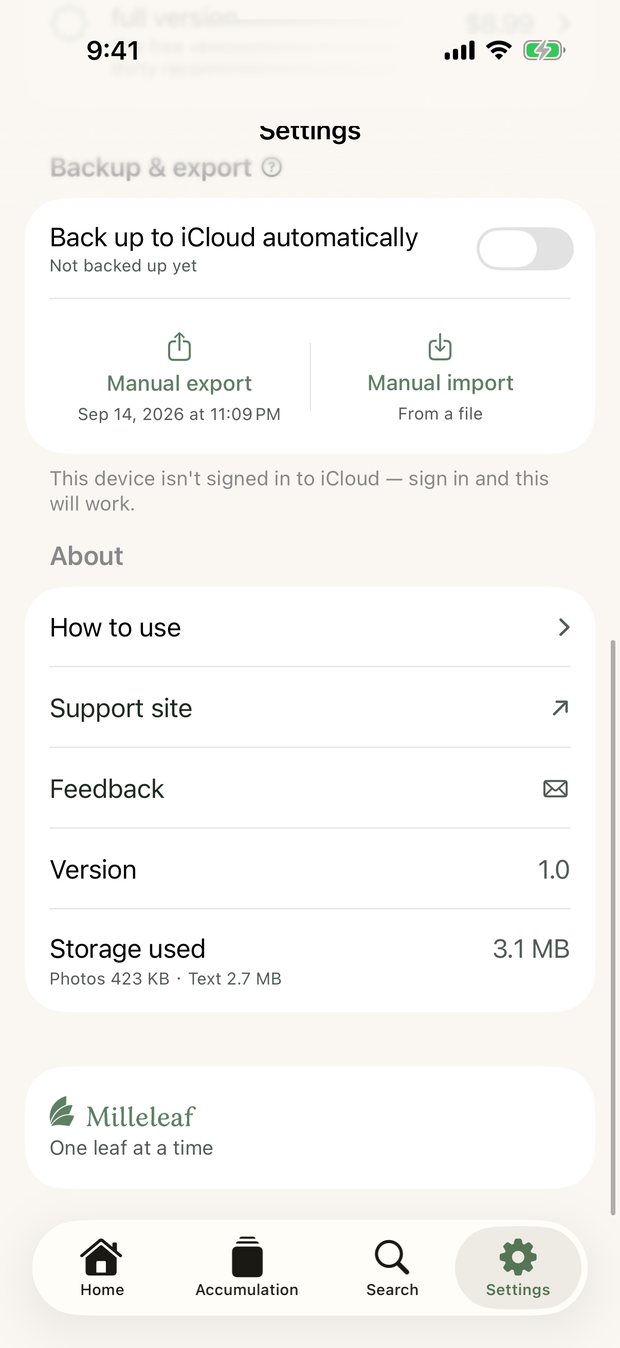
There is no account to register. Records and photos are kept on your own device. When you want a backup, turn on automatic iCloud backup, or export a file yourself.
Set it up the way you like
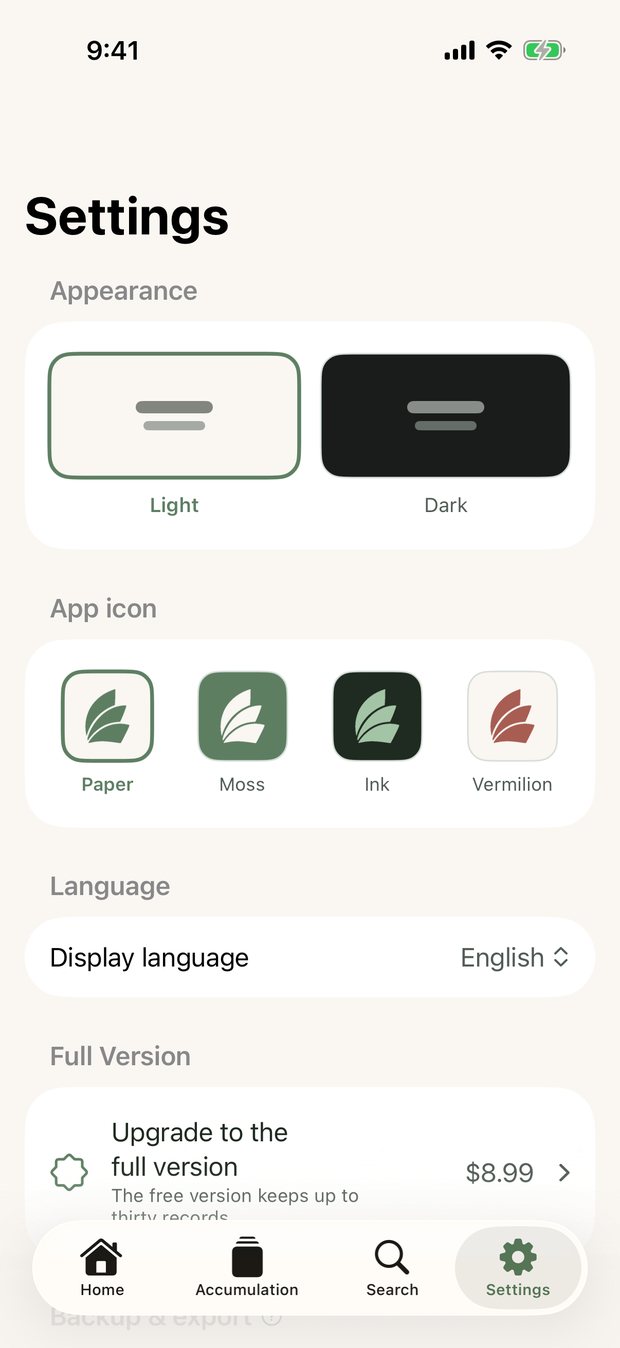
Switch between light and dark, choose a different app icon, and read it in Traditional Chinese, English or Japanese.
Free and full version
The free version keeps up to 30 records in total, counted across all six categories. With the full version there is no limit. A single purchase, yours for good, with no subscription.
About the Creator
From Taiwan. I read, I travel, I study tea ceremony, and I have always kept records of one kind or another.
Milleleaf is one of the apps I made because I wanted to use it myself. There is also HibiSado, for keeping track of learning tea.